 Artificial Intelligence
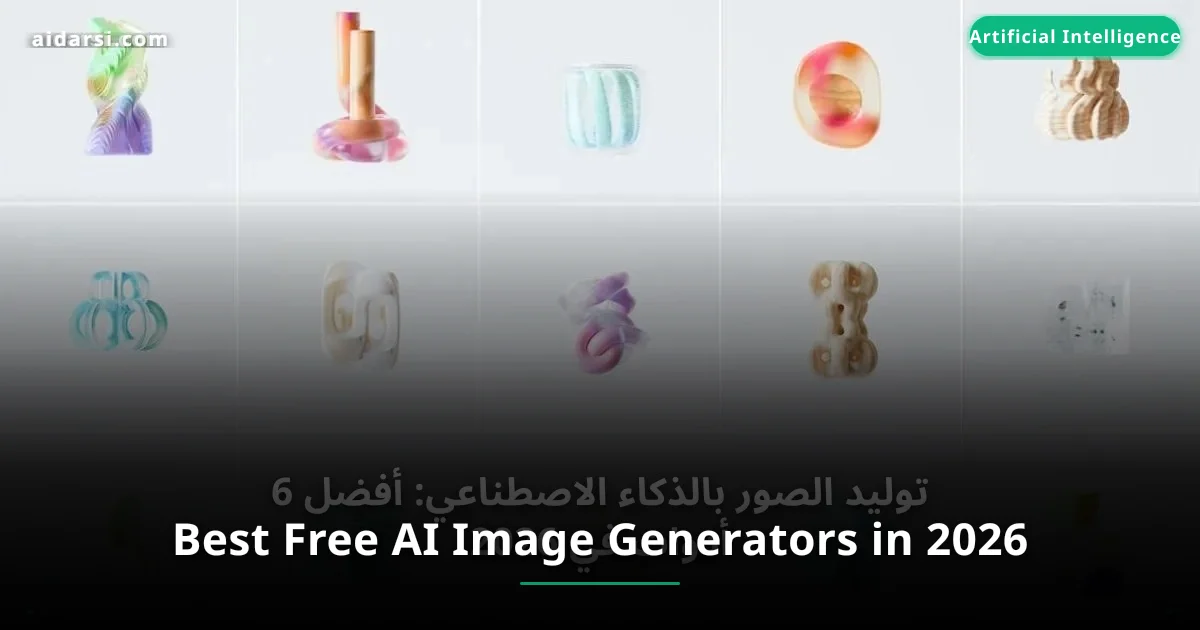
Best Free AI Image Generators in 2026
The 6 best free AI image generation tools in 2026 with price and quality comparisons. Tips for writing prompts that deliver stunning results.
What you will learn
- You will discover the 6 best free AI image generation tools
- You will understand how diffusion models and image generation techniques work
- You will learn practical tips for writing prompts that deliver stunning results
How Does AI Image Generation Work?
A single image generated by Midjourney sold at auction for over a million dollars -- what if you could create images of the same quality just by typing a few words?
Anyone can now -- without design or drawing experience -- create stunning images simply by writing a text description. But how exactly does this happen?
If you're new to this world, we recommend reading AI Basics first.
Diffusion Models
Most image generation tools rely on diffusion models. The concept is simple: the model learns how to "remove noise" from a blurry image. During training, it takes real images, gradually adds random noise, then learns to reverse this process.
When you write a prompt, the text encoder converts your words into a numerical representation, then the model starts from random noise and removes it step by step until an image matching your description forms.
Key models: Stable Diffusion XL, FLUX by Black Forest Labs, and Imagen by Google.
The more denoising steps (Sampling Steps), the higher the image quality -- but the longer the generation time. Balancing quality and speed is an art in itself.
Best AI Image Generation Tools
1. Midjourney
The leading tool for high-quality artistic images. With version 6 (V6), quality reached unprecedented levels.
Pros: Exceptional artistic quality, excellent understanding of different art styles, active community of millions, easy web interface.
Cons: No free plan, limited Arabic support, no official API.
Price: Starts at $10/month (about 200 images). Pro plan $30/month.
2. DALL-E 3
OpenAI's tool integrated into ChatGPT. Stands out for its deep understanding of complex prompts and unmatched precision in placing text inside images.
Pros: Excellent comprehension of long prompts thanks to GPT-4, image editing through natural conversation, supports Arabic prompts.
Cons: Requires ChatGPT Plus subscription ($20/month), limited daily images, less artistic variety than Midjourney.
Price: Included with ChatGPT Plus ($20/month). Via API: about $0.04/image.
3. Stable Diffusion
An open-source model you can run on your own machine for free. The preferred choice for developers and professionals. Latest versions include SDXL 1.0 and new FLUX models.
Pros: Completely free, runs locally with total privacy, customizable via LoRA, huge community on CivitAI and Hugging Face.
Cons: Requires a powerful NVIDIA GPU (8GB+), steep learning curve.
Price: Free (hardware costs only). Cloud services from $0.3/hour.
4. Adobe Firefly
Adobe's tool trained exclusively on licensed content. The most legally safe option with IP indemnity for subscribers.
Pros: Fully legally safe, integration with Photoshop and Illustrator, Generative Fill, supports Arabic.
Cons: Lower quality than Midjourney for artistic images, limited style options.
Price: Free plan (25 credits/month). Paid from $5/month.
5. Leonardo AI
An integrated platform targeting content creators and game designers. Offers diverse models specialized in different image types.
Pros: Generous free plan (150 tokens daily), advanced control tools (ControlNet, Inpainting), excellent for game characters.
Cons: Less well-known, results vary by chosen model.
Price: Free plan available. Paid from $12/month.
6. Ideogram
A tool specialized in placing text inside images with high accuracy -- a historic weakness of most other tools.
Pros: Best at rendering text and Arabic letters inside images, excellent for logos and posters.
Cons: Less distinctive in realistic images, smaller community.
Price: Free plan (10 prompts/day). Paid from $8/month.
Comprehensive Comparison Table
| Tool | Artistic Quality | Monthly Price | Ease of Use | Commercial License | Arabic Support |
|---|---|---|---|---|---|
| Midjourney | Excellent | From $10 | Medium | With paid plan | Weak |
| DALL-E 3 | Very Good | $20 | Very Easy | With subscription | Good |
| Stable Diffusion | Good - Excellent | Free | Difficult | Depends on model | Weak |
| Adobe Firefly | Good | From $5 | Easy | Fully safe | Good |
| Leonardo AI | Very Good | Free / $12 | Medium | With paid plan | Weak |
| Ideogram | Good (text: Excellent) | Free / $8 | Easy | With paid plan | Best |
Tips for Writing Effective Prompts (Prompt Engineering)
Writing prompts is a fundamental skill. For deeper knowledge, read our Prompt Engineering Guide.
1. Be Precise and Specific
Bad: a beautiful cat

Good: A fluffy orange Persian cat sitting on a marble windowsill,
golden hour sunlight, shallow depth of field with bokeh,
warm tones, professional pet photography, 8K resolution
2. Specify the Art Style
- Realistic:
photorealistic, 8K, DSLR, RAW photo - Digital art:
digital art, concept art, trending on ArtStation - Anime:
anime style, Studio Ghibli inspired, cel shading - 3D:
3D render, Octane render, volumetric lighting
3. Use Negative Prompts
Negative prompt: blurry, low quality, distorted hands,
extra fingers, watermark, ugly, deformed, bad anatomy
4. Choose the Right Aspect Ratios
- 16:9 -- YouTube covers, article images
- 1:1 -- Instagram posts
- 9:16 -- Instagram Stories, Reels
5. Practical Example: Calling DALL-E 3 Programmatically
# Generate an image using DALL-E 3 API
import openai

client = openai.OpenAI(api_key="YOUR_API_KEY")

# Send generation prompt
response = client.images.generate(
    model="dall-e-3",  # Using DALL-E 3 model
    prompt="A serene desert oasis at sunset in the Arabian Peninsula, "
           "palm trees reflected in turquoise water, golden sand dunes, "
           "National Geographic photography style, 8K",
    size="1792x1024",  # 16:9 ratio for article covers
    quality="hd",  # High quality
    n=1  # Number of images requested
)

# Get the image URL
image_url = response.data[0].url
print(f"Image URL: {image_url}")
Start with a simple prompt describing the basic idea, then add details gradually in each round. This iterative approach is better than writing a long, complex prompt from the start.
Intellectual Property and Commercial Use
The legal status of generated images is still evolving. In most countries, there are no specific regulations yet.
Tips for safe use:
- Read the terms of service for each tool before commercial use
- Don't use real artists' names in prompts
- Avoid generating images of real people without permission
- For major commercial projects: Use Adobe Firefly for its IP indemnity
- Add human creative modifications to strengthen your legal position
FAQ
Can I generate images for free?
Yes. Stable Diffusion is completely free on your machine. Leonardo AI gives you 150 tokens daily. Ideogram gives 10 free prompts daily. Bing Image Creator is free and runs on DALL-E 3 technology.
What's the best tool for beginners?
DALL-E 3 via ChatGPT -- you write what you want in natural language and the model understands you. For the free option, try Leonardo AI or Ideogram.
Do these tools support Arabic?
DALL-E 3 and Adobe Firefly understand Arabic prompts well. Ideogram is the best at placing Arabic text inside images. Other tools work better with English.
Will these tools replace designers?
No. Designers who master AI tools will be ten times faster. Creative sense and visual direction are human skills that can't be replaced. Think of it like the calculator: it didn't eliminate the accountant profession, but it changed how they work.
What's Next?
Each tool excels in a different area. Choose Midjourney for artistic quality, DALL-E 3 for ease, Stable Diffusion for full control, Adobe Firefly for legal safety, Leonardo AI for the free plan, and Ideogram for text in images.
Start experimenting -- pick one tool, try the examples we mentioned, then build your skills gradually. And don't forget to read our Prompt Engineering Guide to write professional prompts that deliver stunning results every time.
المصادر والمراجع
AI Department — AI Darsi
Specialists in AI and machine learning
Related Articles
Midjourney Guide: Create Professional AI Images Step by Step
Learn to use Midjourney step by step to generate artistic and professional images with ready-to-use prompts, advanced settings, and pricing in 2026.
Best 11 Free AI Design Tools in 2026
Discover the best 11 free AI tools for graphic design, image generation, logo creation, and presentations with price comparisons and practical examples.
How to Rank #1 on Google Using AI and SEO in 2026
Learn how to use AI for SEO in 2026. Tools, strategies, and practical techniques to rank higher in Google Search and AI Overviews.